What this is
Modern Warfare 2 multiplayer, running in a browser tab. Open the lobby, pick a match or host one, and play: free-for-all, team deathmatch or search and destroy, against friends and bots.
Nothing to install. The game's files download the first time you load a map and stay on your PC, so the next load of that map is much faster.
Browsers
The lobby checks your browser when it opens. The chips at the top say whether WebGPU and Shared memory work and whether the Game cache keeps files on disk. If a chip is red, switch to desktop Chrome or Edge.
You need a graphics card the browser can use for WebGPU, and some free disk space for the game cache: a few hundred MB per map the first time.
Host or join
Join a match
Every running match is listed under Matches with its map, mode and who is in it. Press Join. If the host set a password, you are asked for it. You can join a match that has already started: the map downloads, then you spawn.
Host a match
- Pick a Map and a Mode, and how many Bots fill in.
- Set the Time limit and what happens After a match: the same map again, the next map, or stop.
- Optionally set a Password, and type your Name.
- Press Host. Your match shows up in everyone's list, and the lobby gives you a join link to send to friends.
Classes
Create a Class opens the game's own class editor before you play, and your classes are kept for next time.
Maps and modes
Sixteen Modern Warfare 2 maps and seven Counter-Strike maps, rebuilt for MW2's weapons and modes.
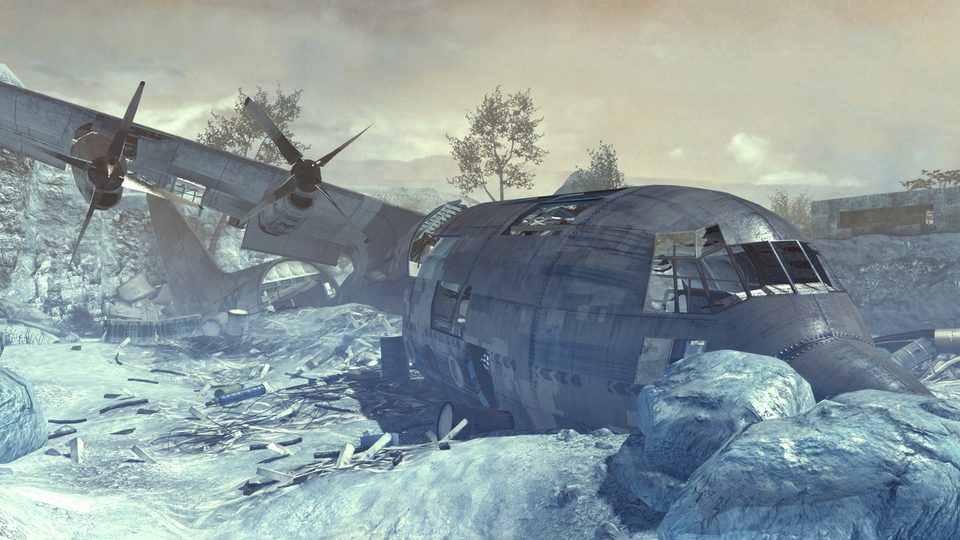 Afghan
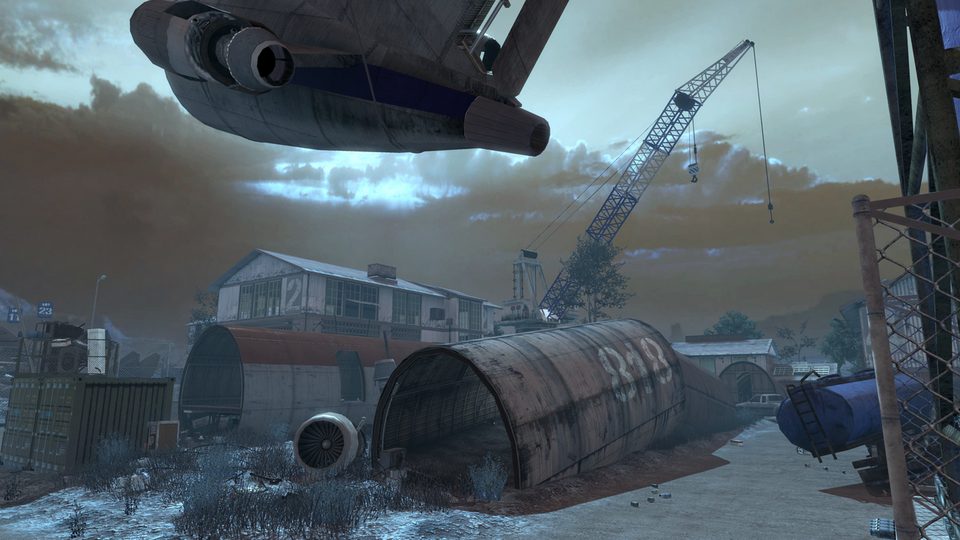 Boneyard
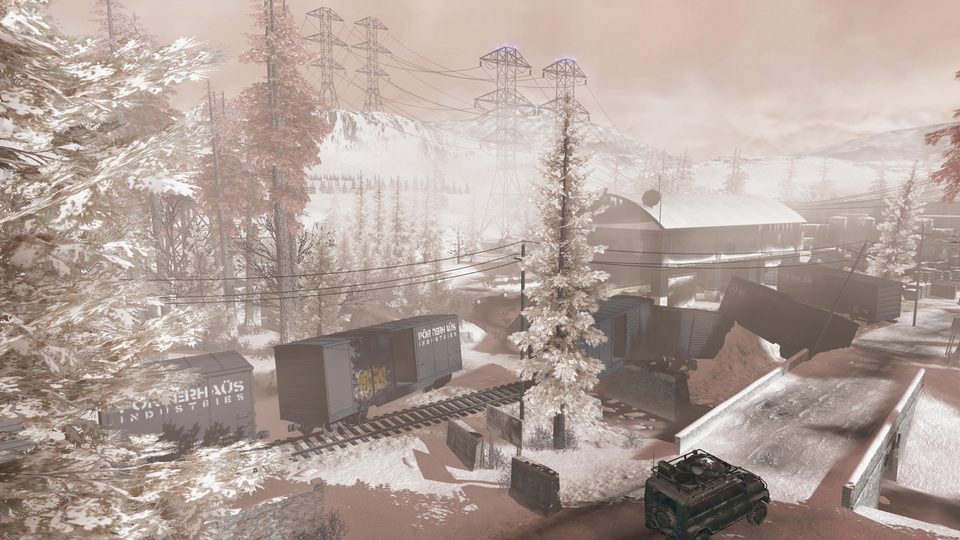 Derail
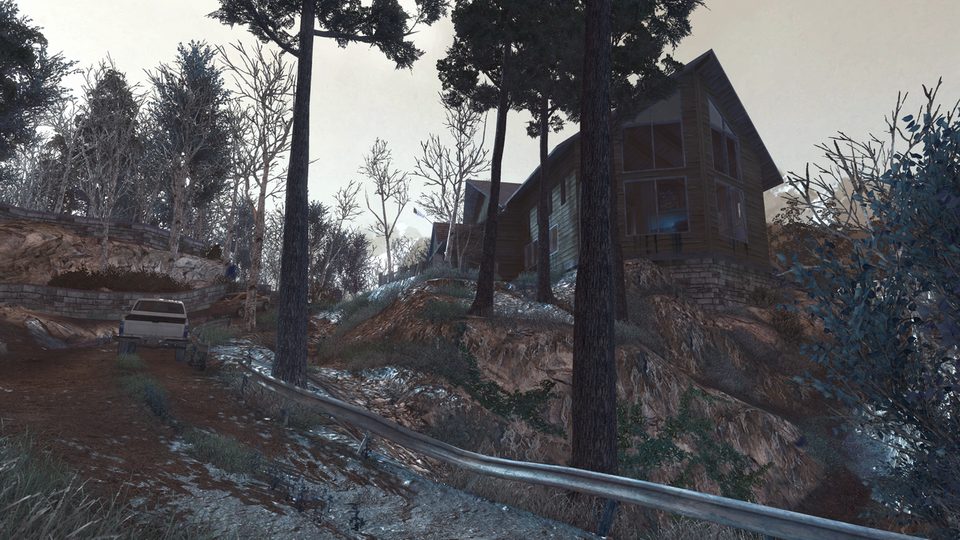 Estate
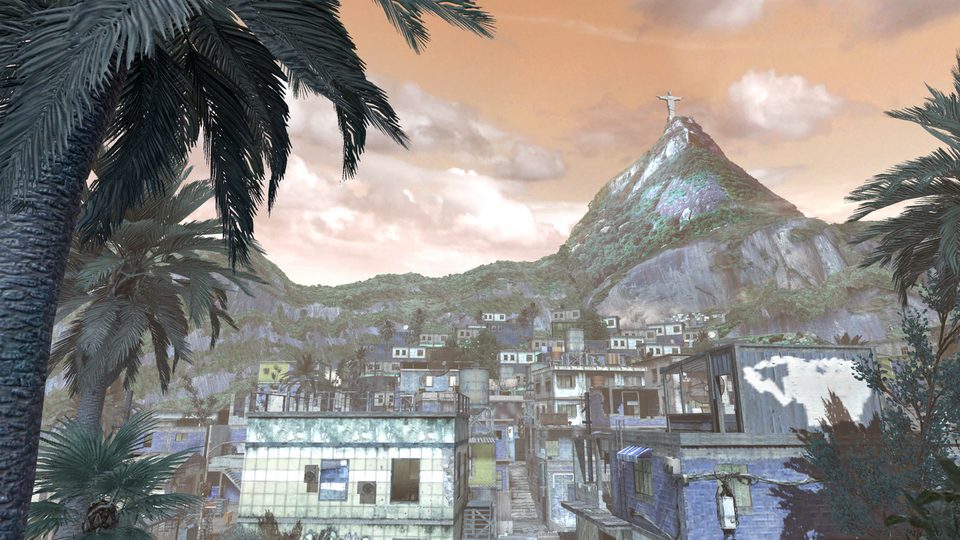 Favela
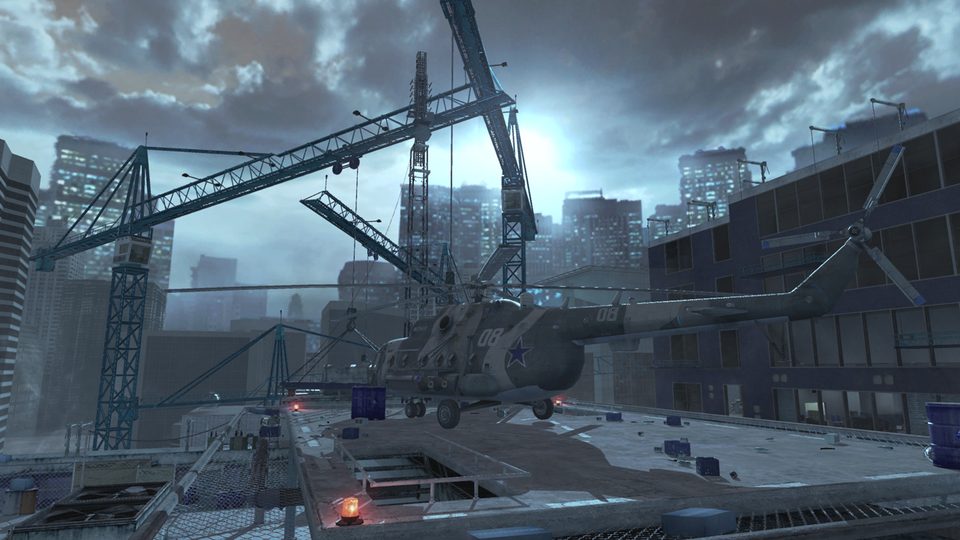 Highrise
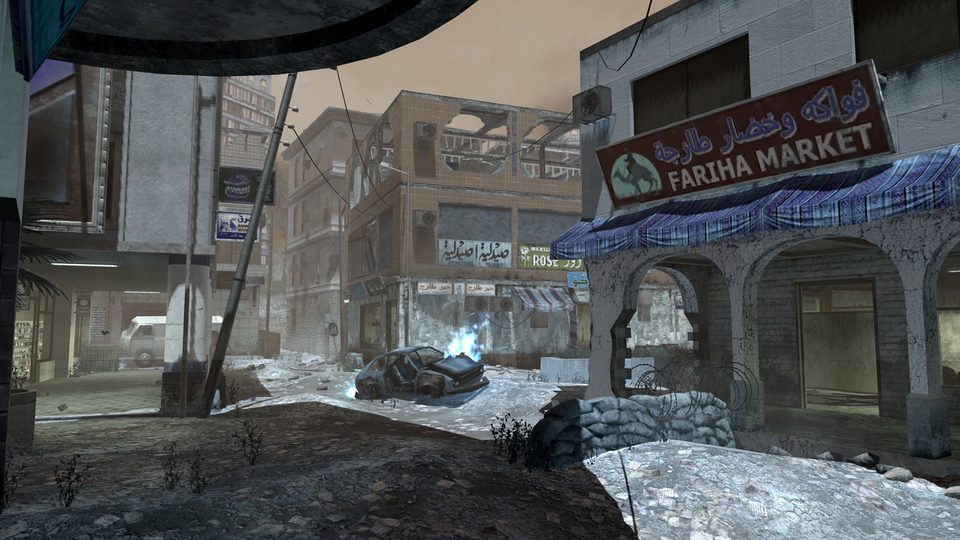 Invasion
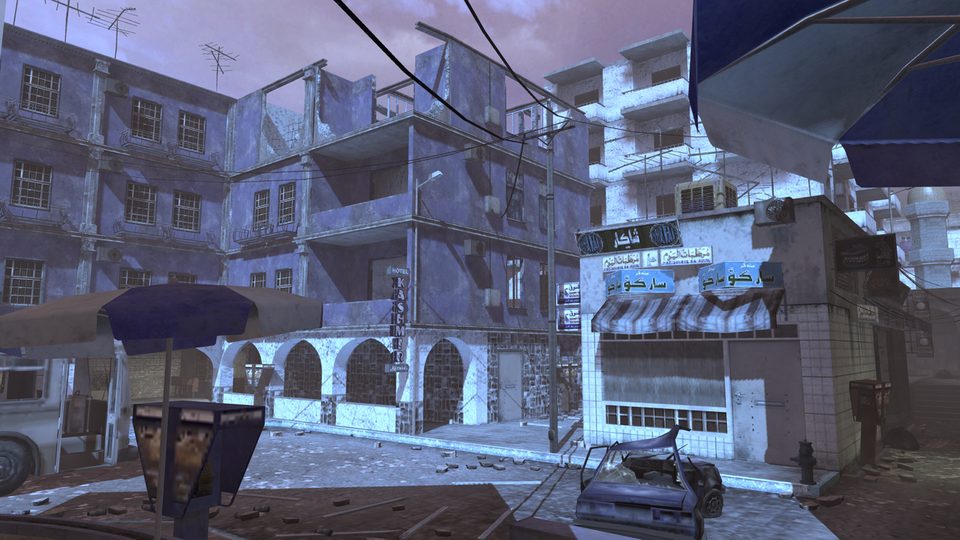 Karachi
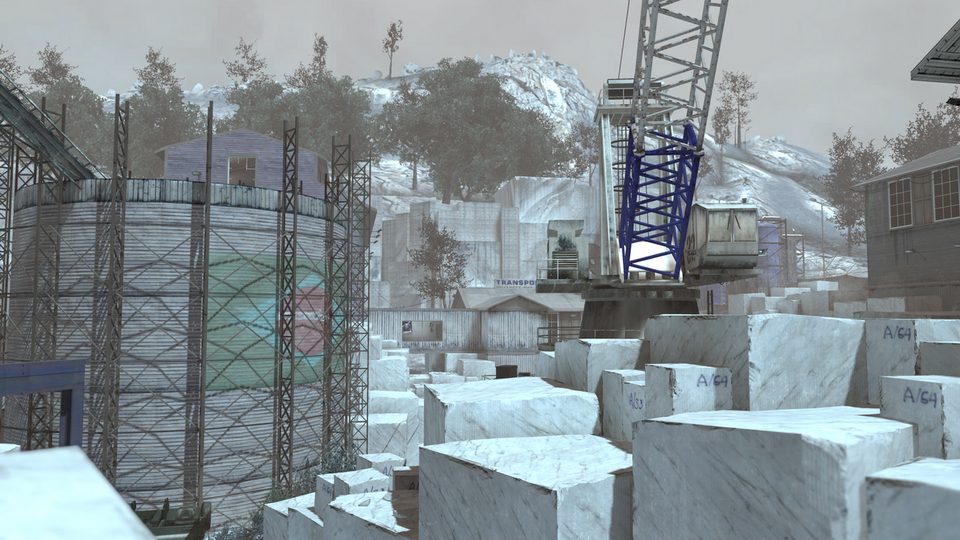 Quarry
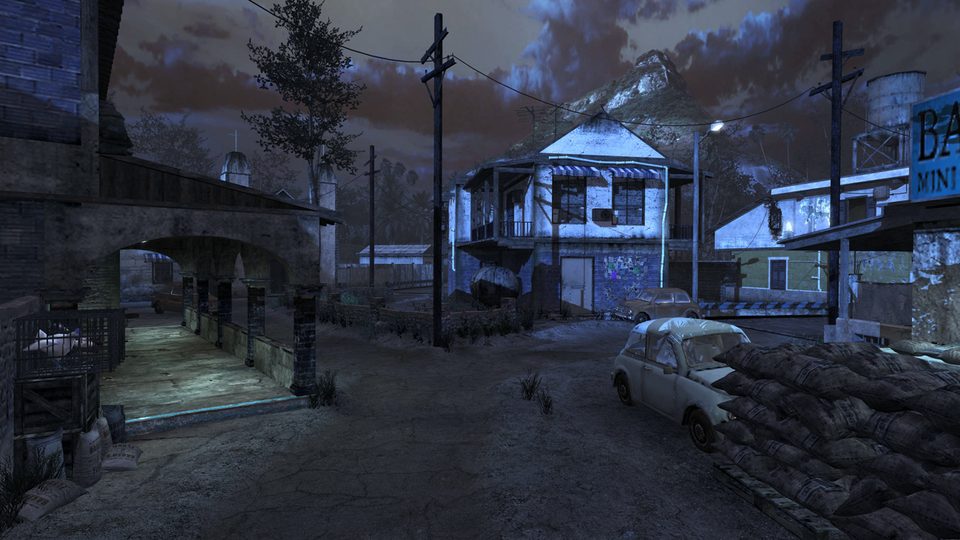 Rundown
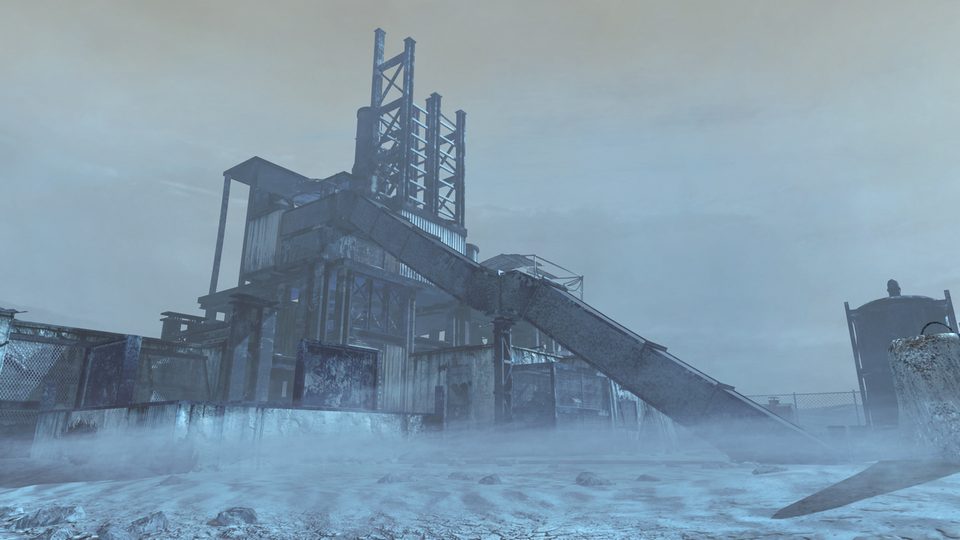 Rust
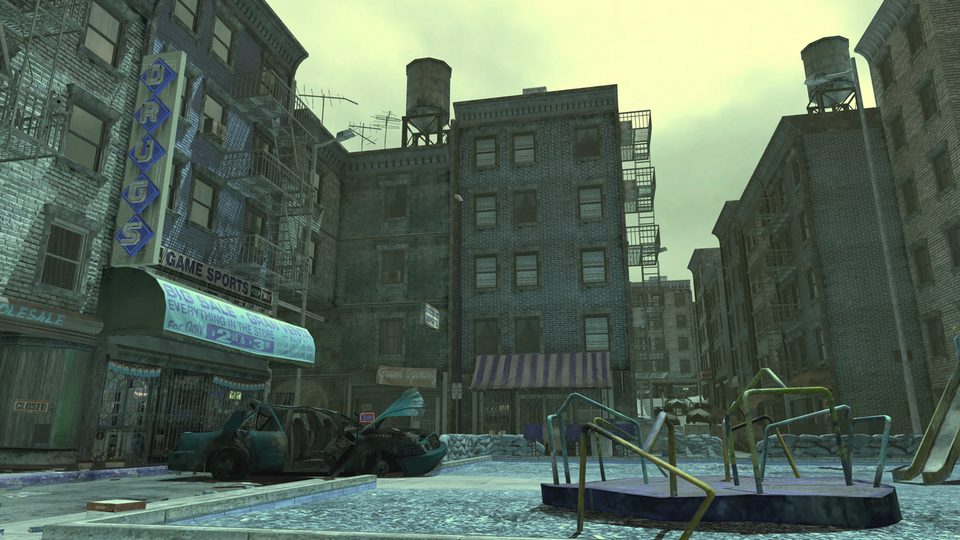 Skidrow
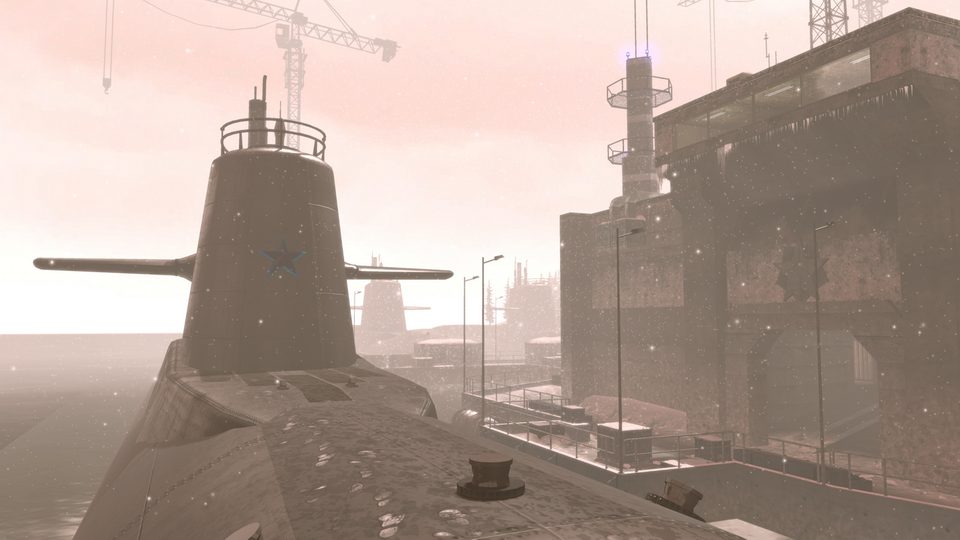 Sub Base
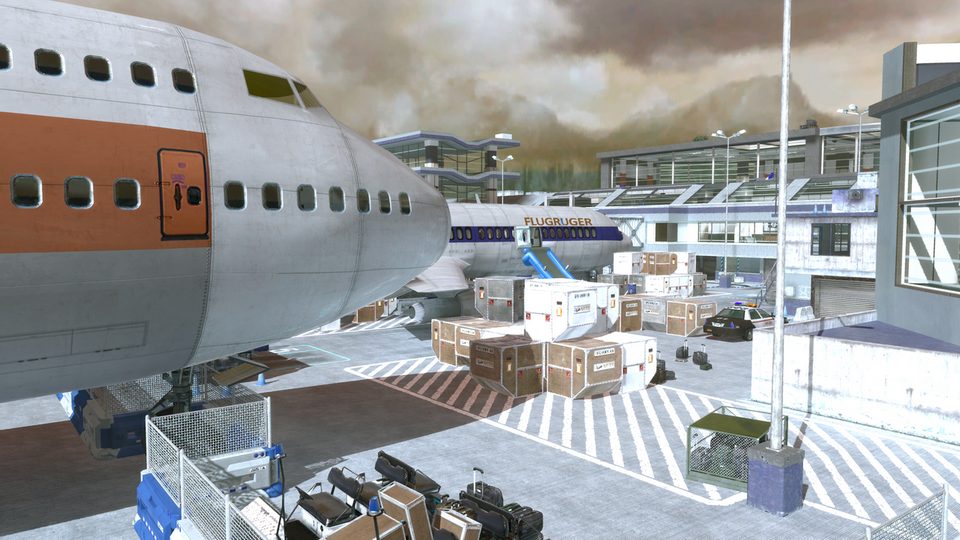 Terminal
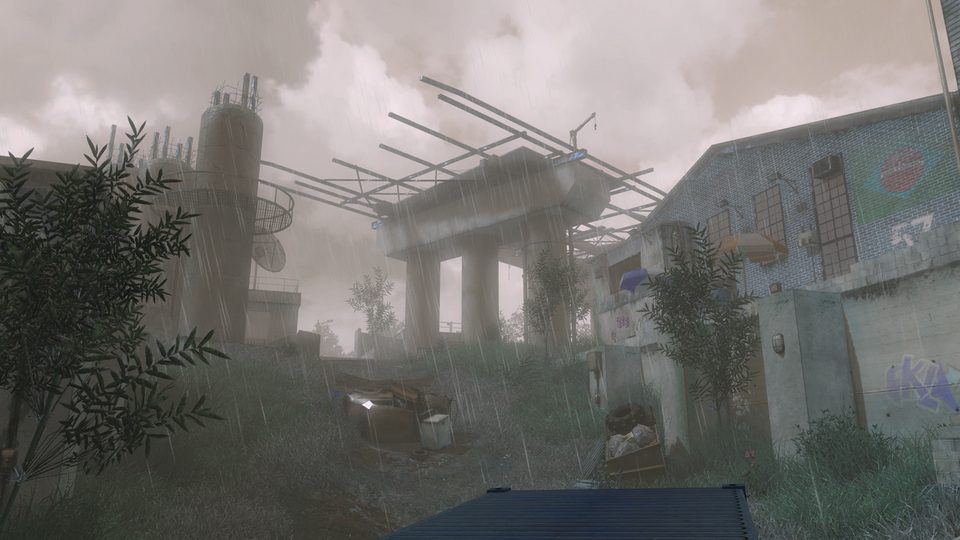 Underpass
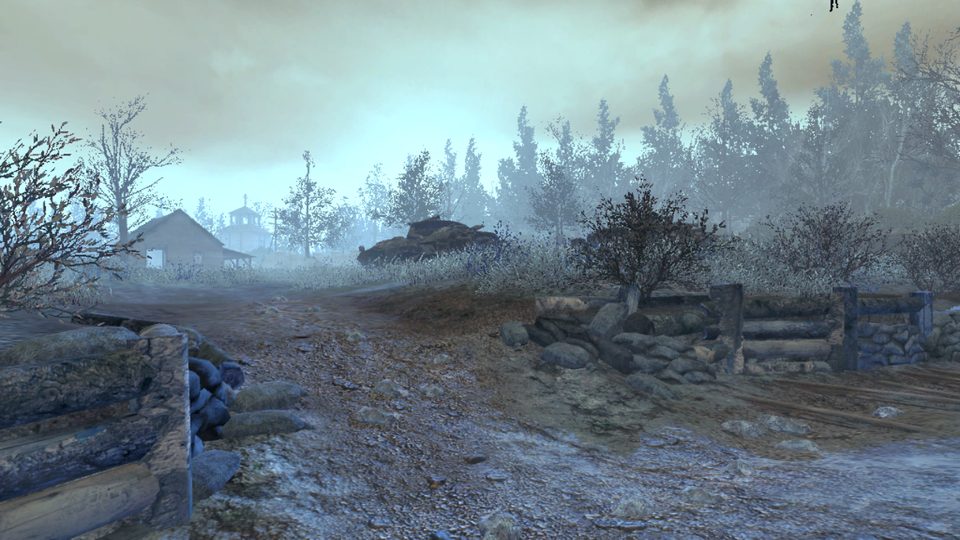 Wasteland
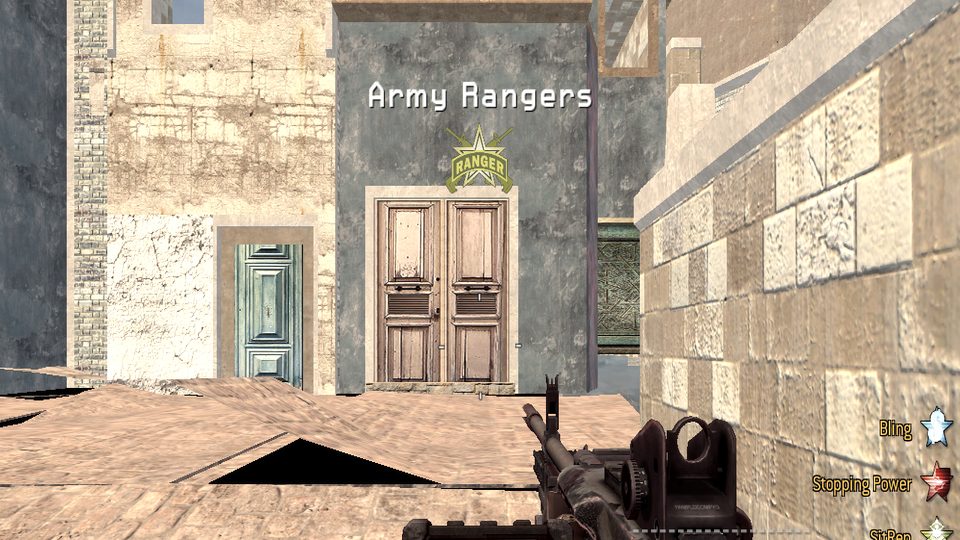 MirageCS:GO
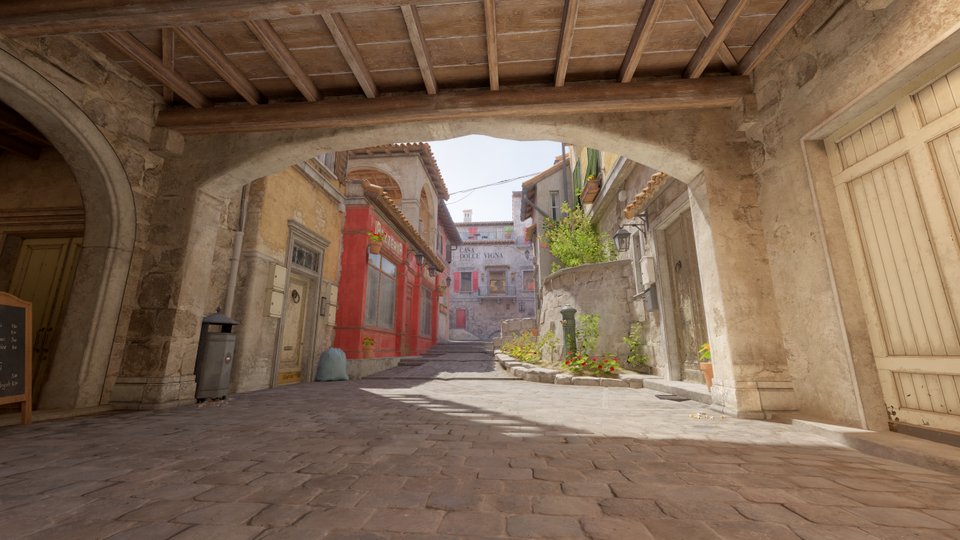 InfernoCS:GO
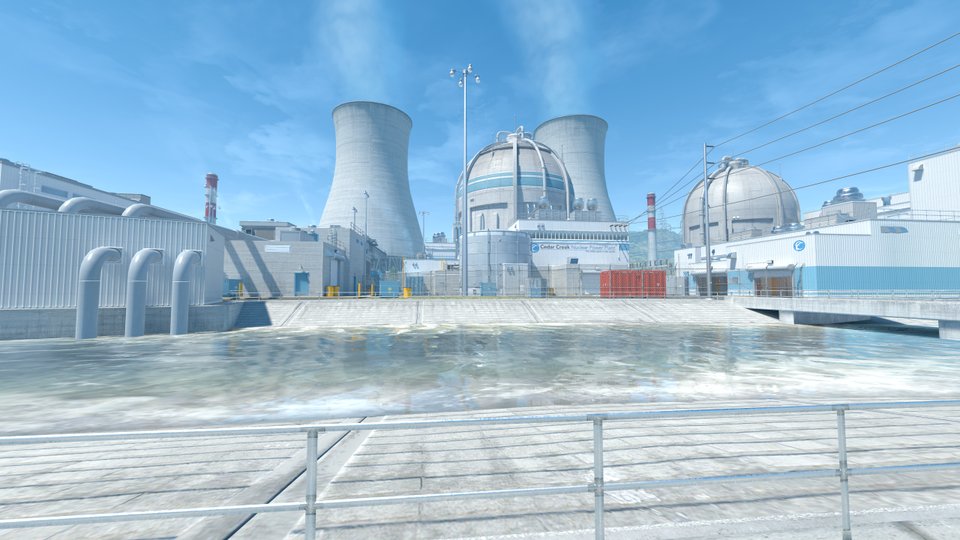 NukeCS:GO
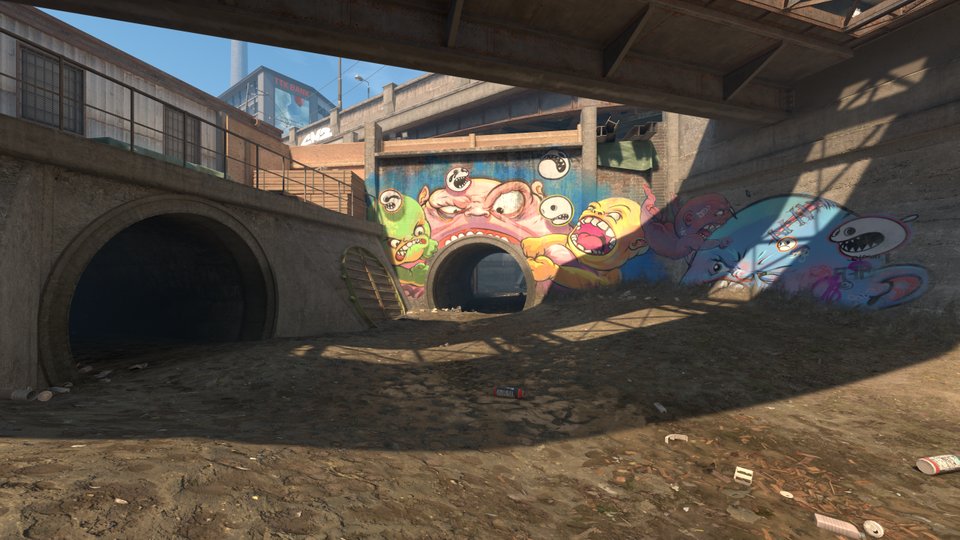 OverpassCS:GO
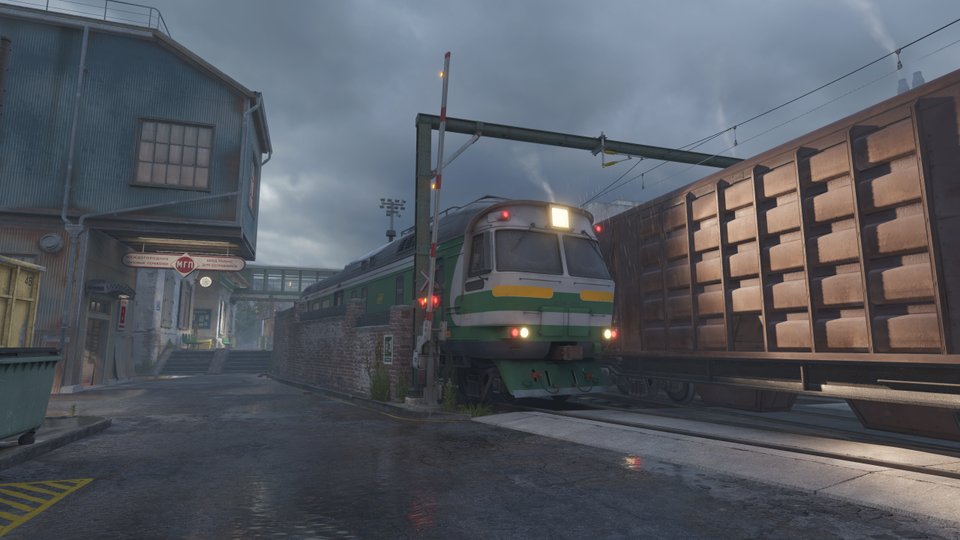 TrainCS:GO
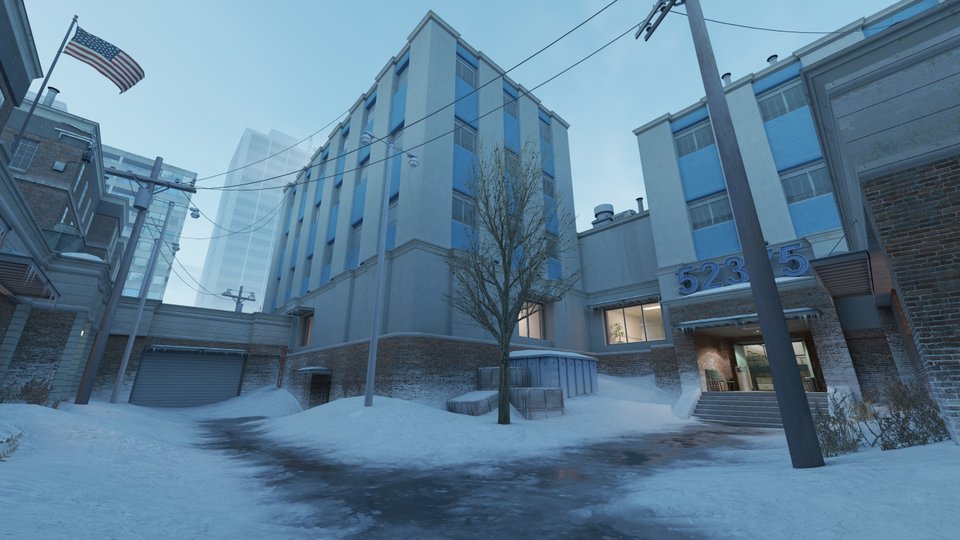 OfficeCS:GO
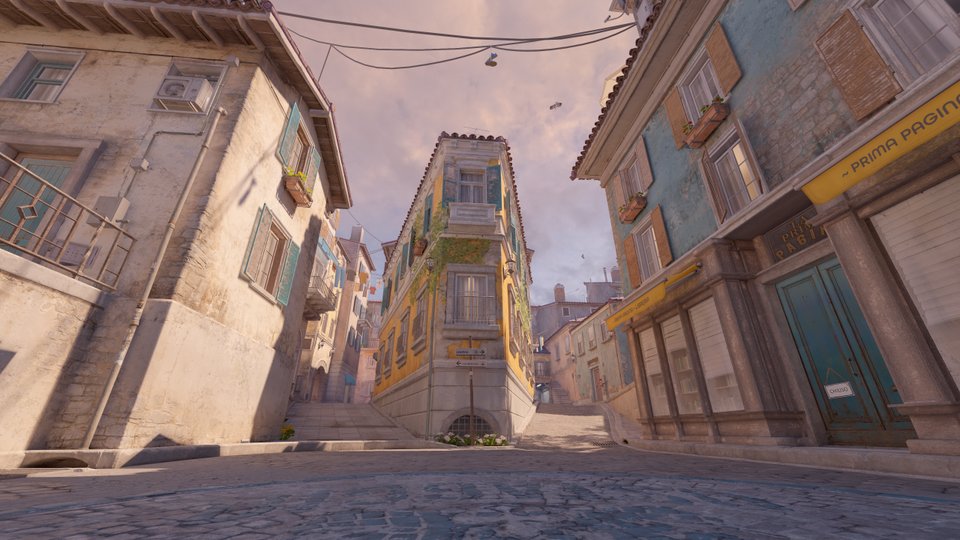 ItalyCS:GO
| Mode | How it plays |
|---|---|
| Free-for-all | Everyone for themselves. The default on MW2 maps. |
| Team deathmatch | Two teams, most kills wins. |
| Search and destroy | One life per round: attackers plant the bomb, defenders stop them or defuse it. The default on the Counter-Strike bomb maps (Mirage, Inferno, Nuke, Overpass, Train). Office and Italy have no bomb sites, so they play free-for-all or team deathmatch. |
The Counter-Strike maps are the newest and still rough in places: some surfaces use the nearest Counter-Strike 2 texture, and props have no collision yet.
Settings
| Textures | How sharp weapons, characters and the world look, from Ultra potato to High. Lower settings download less and use less memory. Low is the default. |
|---|---|
| Resolution | How many pixels the game draws. Auto lowers it when your graphics card cannot keep up and raises it again when it can. Pick Full, 75% or 50% to fix it yourself. |
| Fullscreen | Starts the match fullscreen. Holding Esc leaves fullscreen. |
| Bots | How many bots join your match, from none to seven. |
Controls
Click the game to give it your mouse. Esc frees it again and opens the menu.
- W A S D
- Move
- Mouse
- Aim
- Left / right click
- Fire / aim down sights
- Shift
- Sprint, or hold a scope steady
- Space C Ctrl
- Jump, crouch, go prone
- R V E
- Reload, knife, use
- F G
- Grenade, special grenade
- Tab Esc
- Scores, menu
When something goes wrong
The first load takes a long time
The first time you load a map, its files download: a few hundred MB, mostly shared between maps. They stay on your PC, so later loads take seconds. Clearing your browser's site data deletes them.
Loading stops at "Building the map"
The heaviest maps, Inferno and Nuke, can run out of browser memory. Set Textures lower, close other heavy tabs, and reload the page.
If it still stops, press F12, open the Console tab and send a screenshot of the red lines to @mw2web_.
The frame rate is low
Leave Resolution on Auto or pick 75%, and close other tabs that use the graphics card, such as videos.
Firefox runs slower than Chrome and Edge. On laptops, plug in the charger and pick the high-performance graphics card for your browser in Windows' graphics settings.
The mouse doesn't turn the camera
Click inside the game to hand it the mouse. If a menu is open, press Esc first.
The lobby says WebGPU is missing
Update Chrome or Edge, and check that hardware acceleration is on in the browser's settings. Some older graphics cards cannot run WebGPU.
The game sent me back to the lobby
That happens when a match ends or the host leaves. Pick another match, or host your own.
How it works
- The engine is a rebuild of Modern Warfare 2's multiplayer in Rust, compiled to WebAssembly so it runs inside the browser.
- Graphics go through WebGPU, the browser's modern graphics interface, with the game's own materials and shaders translated for it.
- Threads: in Chrome and Edge the game simulation runs on its own thread next to the renderer, and loading, sound and effects get worker threads of their own, through Web Workers that share memory.
- Streaming: game files arrive in small pieces as the map needs them and are kept on your disk. Each player's load records which pieces a map uses, so the next player's download starts straight away.
- Matches run through a small relay server, so nobody has to open ports.
- The Counter-Strike maps are converted from the original level files, with Counter-Strike 2's textures, props and radar pictures added on top.
The code is open source under Apache 2.0, built on IW4L: read it at github.com/bettertech-97/mw2web. It contains no game files; you need your own copy of the game to run it yourself.
Speed and what's next
What we've changed so far, measured in desktop Chrome on a 16-core PC.
| Change | Before | After |
|---|---|---|
| Game logic and drawing run side by side on separate threads | 54–76 fps | 98–158 fps |
| Loading runs on several threads | 35 s first load | 14.5 s |
| Weapons build after you spawn instead of before | 18 s repeat load | 14 s |
| Map files arrive as one bundle instead of ~1,100 small requests | 28 s download | ~10 s |
| The engine download is compressed | 114 MB | 16 MB |
| Shaders compile on half your cores, not all of them | 100% CPU while loading | 72% |
| Sounds are fetched before they first play | 0.1–0.17 s freezes after explosions | none |
The shader limit costs a second or two of load time (about 3 s on an 8-thread PC) but keeps the rest of your PC usable while a map loads. Auto resolution, sound on its own thread and the engine running off the page's main thread also cut stutter.
What's next
- Memory. A map uses about 2.5 GB of the browser's memory, and Inferno gets close to the 4 GB limit. Loading only the weapons people actually use should cut about a gigabyte.
- Faster repeat loads, by compiling the shaders you see first and caching the menu data.
- More frames, by moving character animation to the graphics card and trimming per-object work.
- Better Counter-Strike maps: real surface detail, prop collision, the missing props on Nuke and Overpass, and better lighting, by importing Counter-Strike 2's own map data.
- Firefox catching up with Chrome.
The full list with every measurement is in PERFORMANCE.md on GitHub.